The NIIMBOT D110 is a compact Bluetooth label maker for people who want to create everyday labels from a phone.
This niimbot d110 review focuses on its inkless printing, label choices, and the practical limits of a monochrome, smartphone-led design.
NIIMBOT D110 Review Summary
The quick verdict
14,000+ ratings
Read Amazon ReviewsNIIMBOT D110
A portable, phone-controlled label maker for home organizers, students, and small tasks that call for black text on varied label tapes.
- Bluetooth printing through the NIIMBOT app on iOS and Android smartphones.
- Direct thermal printing at 203 DPI; no ink or toner is needed.
- Rechargeable built-in battery, with a stated full charge time of two hours using the included Type-C charging cord.
- Supports batch printing for producing multiple labels in a run.

Pros
- Portable format and rechargeable power suit labeling in different rooms or settings.
- Inkless thermal printing keeps routine supply needs simple.
Consider before buying
- It does not work with computers, so labels must be created from a compatible smartphone.
- Print output is limited to black text; color depends on using patterned or colored label tape.
Read the full review summary
The D110 brings together a rechargeable portable printer, Bluetooth connection, and an app for creating labels on iOS or Android.
Direct thermal printing avoids ink and toner, while batch printing can help when you need several matching labels for jars, school supplies, storage, or office files.
Its appeal is strongest for lightweight home and school organization rather than a computer-based labeling workflow.
It prints black text; colored or patterned labels come from compatible decorative tape, so buyers should consider both the label style they want and whether editing from a phone fits their routine.
The buying factors
NIIMBOT D110 Scorecard
Editorial scores reflect listed features and buyer fit; they are not laboratory measurements or customer ratings.
Everyday organization
The described uses cover storage, food dates, cosmetics, school supplies, files, cables, and personal items.
Portability
The compact rechargeable design is presented as easy to carry and use around the home or school.
Phone setup
Bluetooth and the NIIMBOT app support wireless printing from iOS and Android, with batch printing available.
Print flexibility
The printer handles varied label kinds and sizes, but output is black text only.
Running simplicity
Direct thermal printing needs no ink or toner, reducing the supplies involved in routine use.
Computer workflow
The D110 does not work with computers, making it a poor fit for desktop-centered label creation.
Key Features and Specifications of NIIMBOT D110
- Bluetooth printing through the NIIMBOT app on iOS and Android smartphones.
- Direct thermal printing at 203 DPI; no ink or toner is needed.
- Rechargeable built-in battery, with a stated full charge time of two hours using the included Type-C charging cord.
- Supports batch printing for producing multiple labels in a run.
- Intelligent identification is designed to recognize the loaded label, with support for different sizes and types, including clear, colorful, and round labels.
- Prints monochrome black text; decorative tape can add color or patterns to the label background.
- The listed applications include food date labels, storage, school names, files, cables, cosmetics, price tags, and jewelry tags.
Pros and Cons of NIIMBOT D110
Pros
- Portable format and rechargeable power suit labeling in different rooms or settings.
- Inkless thermal printing keeps routine supply needs simple.
- Batch printing can save repeated editing when making matching labels.
- A variety of label types can support practical organization as well as decorative projects.
Consider before buying
- It does not work with computers, so labels must be created from a compatible smartphone.
- Print output is limited to black text; color depends on using patterned or colored label tape.
- The two-hour full charge time may require planning if you need to print during a short window.
Who Should Buy NIIMBOT D110?
Good fit
Consider the NIIMBOT D110 if you want a small, rechargeable printer for household, school, or light office labels and are comfortable designing them on a phone.
Its inkless process and batch printing are useful for repeating tasks such as labeling containers, folders, cables, or school belongings.
It also makes sense when the label itself can be simple and legible, with tape providing any decorative color.
Before choosing, check that the available label sizes and types suit the objects you plan to mark, and that the app-based workflow matches how you prefer to prepare text.
Who should skip it
Skip it if you need to create labels from a computer or want color printing from the device itself. The D110 is built around smartphone use and monochrome output.
If your work depends on a particular label format, verify that the supported tape options include it before buying; the product description does not give a complete size list.
How the NIIMBOT D110 Fits Everyday Labeling
Phone-based creation
The D110 connects to iOS and Android phones through Bluetooth and uses the NIIMBOT app. That keeps the device untethered during ordinary labeling, but means the phone is central to writing and preparing each label.
Buyers who usually work at a computer should account for that shift before deciding.
Thermal output and tape choice
Direct thermal printing produces black text without ink or toner, a straightforward arrangement for names, dates, and short identifiers. The printer itself does not create colored text: color and pattern come from the tape.
Matching tape appearance to the job is therefore part of the design choice, especially for labels meant to be quickly scanned or read.
Batch printing for repeated tasks
Batch printing is useful when an organizing project calls for many labels with the same wording or a set of related labels.
It can reduce repeated setup, although the description does not specify the app’s batch workflow in detail.
If you expect frequent large runs, consider how much editing you want to do on a phone and try a small set first.
Portable use and charging
A rechargeable battery and compact format make the D110 suitable for moving between a kitchen, study area, classroom, or small work space. A full charge takes two hours, so charging ahead of a planned session is sensible.
The description does not state a number of labels per charge, so frequent users may want to judge battery endurance against their actual workload.
Alternatives to NIIMBOT D110
Desktop Label Printers alternative

28,000+ ratings
Read Amazon ReviewsPhomemo D30
Choose the D110 for its listed label recognition and straightforward household uses.
The D30 may suit buyers who want more explicitly described app design tools or both continuous and fixed-length labels; confirm its tape options fit your intended tasks.
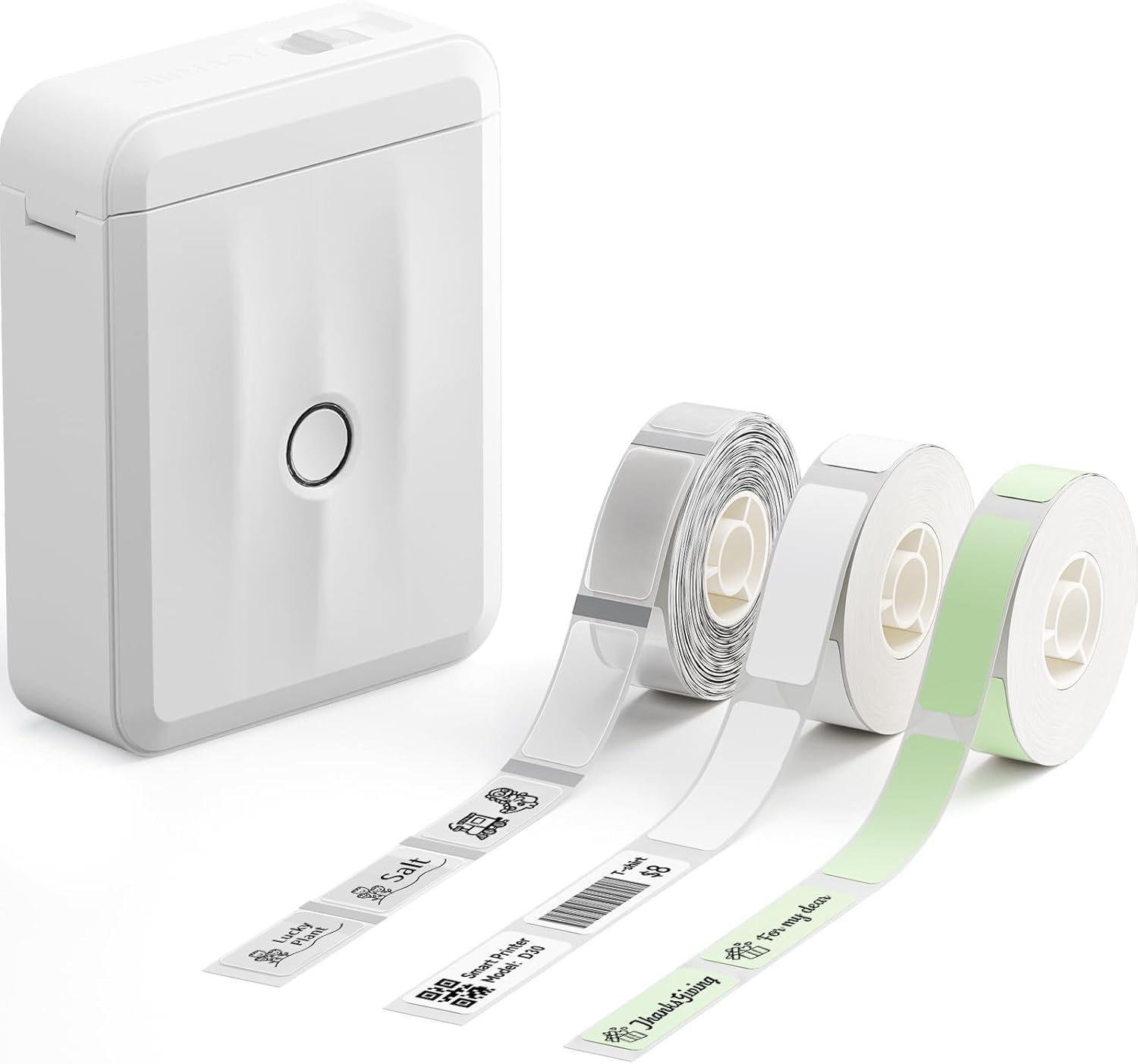
- The Phomemo D30 is a Bluetooth thermal label maker with continuous and fixed-length tape support.
- Its app description includes templates, fonts, symbols, barcodes, QR codes, images, and Excel import.
- The NIIMBOT D110 offers a rechargeable Bluetooth workflow, batch printing, and support for several label types, but it does not work with computers.
Desktop Label Printers alternative
1,000+ ratings
Read Amazon ReviewsPhomemo M120
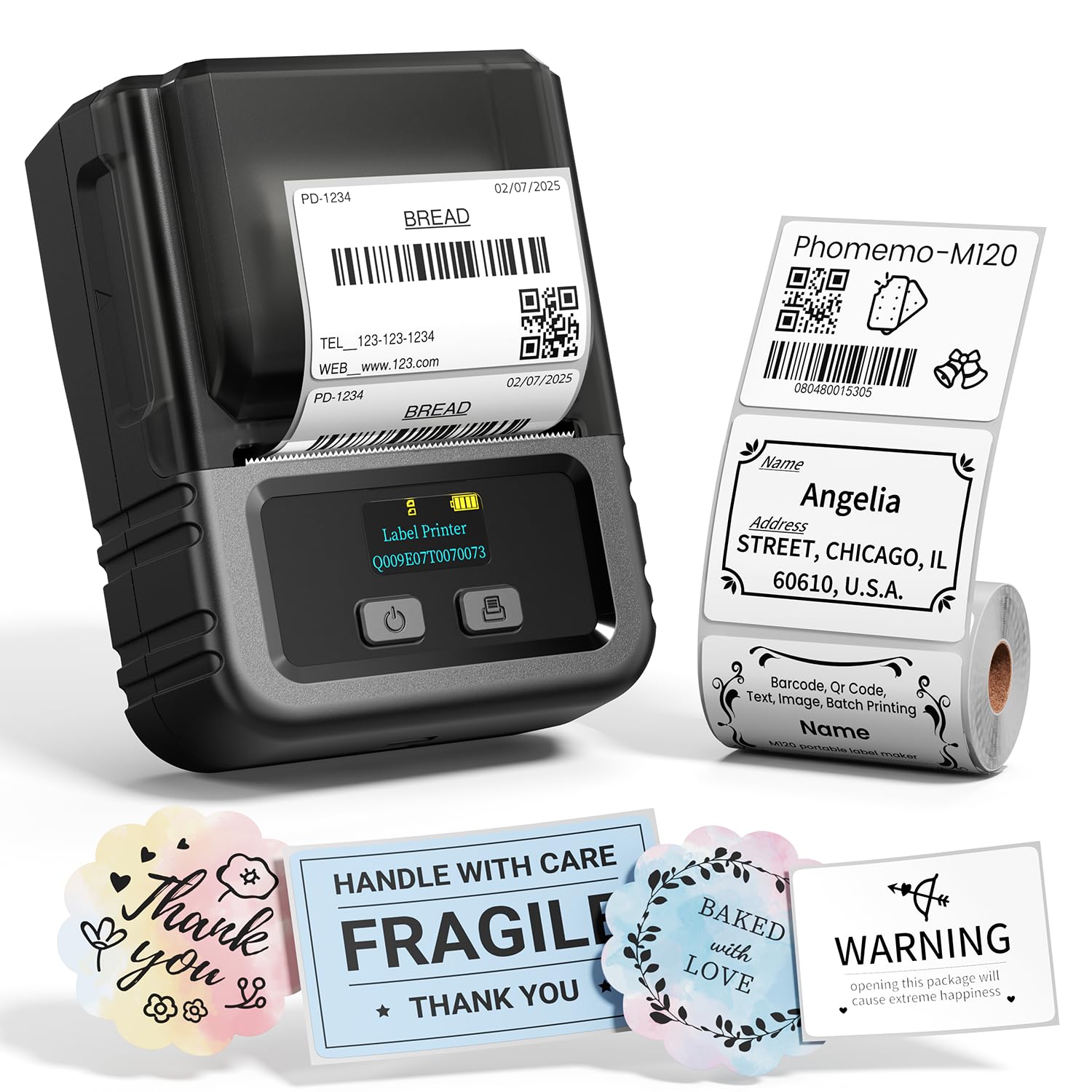
The D110 fits buyers who want a compact phone-led organizer. Consider the M120 if computer connectivity or the listed OCR and voice tools matter more, and check its stated label width range against your needs.
- The Phomemo M120 supports Bluetooth with iOS and Android, plus USB-C computer connection with Windows, Mac, and Chrome OS software.
- Its description also lists 20–50 mm labels and app features such as OCR and voice recognition.
- The NIIMBOT D110 is phone-only and supports different label types, including clear, colorful, and round options.
Is NIIMBOT D110 Worth It?
The NIIMBOT D110 is worth considering for phone-first home, school, and light office labeling. Its portable rechargeable design, thermal printing, batch capability, and varied label options make it a practical choice for simple identification and organization.
Buy it if black text on suitable tape covers your needs and creating labels in a smartphone app feels convenient.
Choose another format if computer printing or color output from the printer is essential, and check tape compatibility for any specific label size before committing.
Your review at a glance
14,000+ ratings
Read Amazon ReviewsNIIMBOT D110
A portable, phone-controlled label maker for home organizers, students, and small tasks that call for black text on varied label tapes.
- Bluetooth printing through the NIIMBOT app on iOS and Android smartphones.
- Direct thermal printing at 203 DPI; no ink or toner is needed.
- Rechargeable built-in battery, with a stated full charge time of two hours using the included Type-C charging cord.
- Supports batch printing for producing multiple labels in a run.